


When your computer refuses to turn on, it always seems to happen at the worst possible moment. You’ve got work to finish, a bill to pay, or a kid who suddenly remembers a project due tomorrow. We get calls every single week from people convinced their computer has completely died.
But here’s the truth:
Sometimes the fix is surprisingly simple.
And sometimes… well… sometimes a rabbit chews through your wiring. We’ll get to that part.
The Most Common Reason a Computer Won’t Turn On (And It’s Not What You Think)
Before you panic, here are the first things we check when someone calls:
- Is it plugged in?
You’d be shocked how often this is the culprit. A loose cable, a kicked power strip, or a plug that’s almost in but not quite can shut everything down. - Is the surge protector switched off?
Pets, kids, vacuum cleaners, and even your own foot can hit that little red switch without you noticing. - Does your PC’s power supply have its own switch?
Many desktops have a second power switch on the back. If it’s off, the computer won’t respond at all — no lights, no fans, nothing.
These are the easy fixes. And honestly, we love it when it’s something simple because it saves you time, money, and stress.
But every now and then, we get a situation that’s… different.
The Day a Rabbit Took Out Our Turn Signal
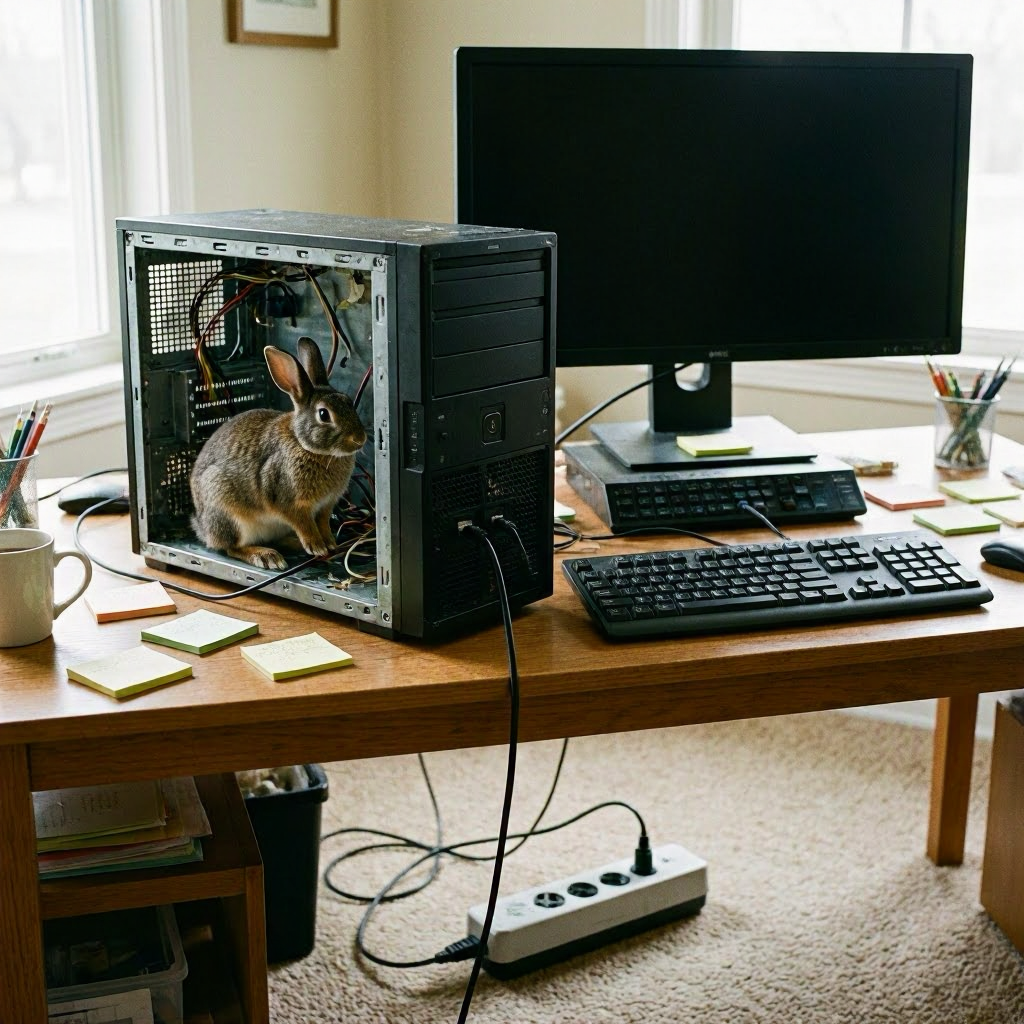
One of our company vehicles recently had a left turn signal go out. No big deal — or so we thought. We popped the hood to check the wiring, and suddenly…
A rabbit hopped out.
Turns out the little guy had been living under the hood and decided the turn‑signal harness looked like a tasty snack. The dealership confirmed it:
chewed wiring = no turn signal = $800 repair bill.
Not exactly the kind of day anyone expects.
And yes, we absolutely joked about the Monty Python killer rabbit afterward. It felt appropriate.
So What Does a Rabbit Have to Do With Your Computer?
More than you’d think.
Just like our vehicle, your computer can fail for reasons that seem random, ridiculous, or impossible:
- Pets chewing cables
- Power strips failing
- Dust buildup is causing overheating
- Switches are getting flipped accidentally
- Loose connections inside the case
- Insects nesting in warm electronics (it happens more than you want to know)
Sometimes the fix is simple. Sometimes it’s weird. And sometimes it’s a full‑blown Monty Python subplot.
When Simple Fixes Don’t Work, We’ve Got You
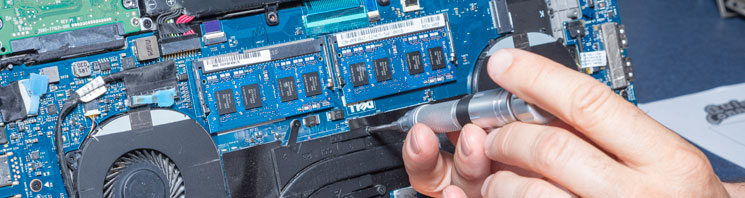
If your computer still won’t turn on after checking the basics, bring it in. We’ll diagnose it, clean it, test the power supply, check the motherboard, and make sure nothing unexpected (or furry) is causing trouble.
Whether it’s a loose cable or a rabbit-level disaster, we’ll get you back up and running.
Local, Fast, and Here When You Need Us
Quick Connect has been helping people in our community keep their computers running smoothly for years. If your PC won’t turn on — or you just want it checked before something goes wrong — we’re here to help.
Stop by, give us a call, or message us anytime.
We promise not to judge… even if the fix turns out to be the power switch.